

A bill payment schedule is a simple record of every bill you owe, when it's due, and when you'll actually pay it, set a few days ahead of each due date so nothing slips through. The first step is to gather every bill you have and mark a payment date earlier than the due date on each one. From there, timing rules, templates, and a weekly check keep the whole system running without much effort.
TL;DR:
- Setting payment dates a few days before the bill's due date helps prevent late fees, accounting for processing times and payment method delay.
- A biweekly batching approach reduces the number of payment sessions each month and aligns bills with paychecks to improve cash flow management.
- Using buffers of seven days for mailed payments and two to three days for online or autopay ensures bills are paid on time without unnecessary risk.
- Regular weekly reviews of bill amounts, upcoming due dates, and account balances are crucial to maintain an accurate and reliable schedule.
- Voice-enabled bank-linked assistants can verify balances before autopays and adjust scheduling in real time, reducing errors and overdraft risks.
Table of Contents
- Why a bill payment schedule matters and what it solves
- Build your schedule in five steps, with two ready templates
- Timing rules and processing buffers that actually work
- Automation vs manual tracking: choose an approach and apply guardrails
- Tools and templates to keep your schedule: printables, calendar apps, and bank bill pay
- How a voice-first, bank-linked assistant can sustain your schedule
- Author's practical rules for everyday scheduling
- Let Mali keep your schedule and your balance talking to each other
- Sources
- FAQ
Why a bill payment schedule matters and what it solves
Late fees are avoidable, and a schedule is how you avoid them. When you know exactly what's due and when, you stop paying bills the moment panic sets in and start paying them on a rhythm that fits your income. The CFPB recommends building a bill calendar that tracks every due date so you can budget for the month instead of reacting to it.
A schedule protects three things at once: your wallet, your credit, and your peace of mind. Missed payments trigger late fees, and on revolving accounts like credit cards, they can also ding your credit score. Beyond the financial hit, not knowing what's coming due creates a low hum of stress that most people carry without naming it.
The bills worth putting on your schedule fall into a handful of categories:
- Housing: rent or mortgage, the largest and least flexible payment most people make.
- Utilities: electricity, gas, water, internet, and phone.
- Debt: credit cards, auto loans, student loans, and personal loans.
- Insurance: auto, health, renters or homeowners, and life insurance premiums.
- Subscriptions: streaming services, software, gym memberships, and anything that renews automatically.
Once every bill is listed, the real work starts: lining those due dates up against your paydays. The CFPB's core guidance treats this alignment, not just the act of logging due dates, as the actual goal of a bill calendar. A schedule that ignores when money arrives is just a list. A schedule that accounts for it is a plan.
Build your schedule in five steps, with two ready templates
Building a working schedule takes less time than most people expect once you have every bill in front of you. The process below turns a pile of due dates into a system you can maintain in ten minutes a week.
- Gather every bill. List each one, recurring or one-time, with its exact amount and due date. Include irregular bills like annual insurance premiums or quarterly taxes, not just the monthly ones.
- Set a payment date earlier than the due date. Use a buffer sized to the payment method: about 7 days for anything mailed, 2 to 3 business days for anything paid online or through autopay.
- Add your payday dates. Mark every date you get paid, then compare what's due each week against what's coming in.
- Adjust anything that doesn't line up. If three bills land in the same week your paycheck hasn't arrived yet, move payment dates earlier where you can or plan to pull from a buffer.
- Assign a payment method to each bill. Mail, online bill pay, or autopay, marked directly on the schedule so you're not guessing later.
The CFPB's guidance on paying bills recommends exactly this kind of buffer: enter payment dates ahead of due dates so mailed payments have time to arrive and online payments have time to process. Skipping this step is the single most common reason a bill lands as "late" even when the payer thought they were on time.
Template A: the full monthly calendar
This version works well if you pay bills throughout the month rather than in batches. Build it as a spreadsheet or a page in a planner with these columns:
Every row gets its own pay-by date based on how the bill is actually paid, not a flat rule applied to everything.
Template B: two-payday batching
If you're paid biweekly or twice a month, it's often easier to split bills into two groups and pay each group right after a paycheck lands. This is the batching approach the FDIC's Money Smart materials walk through with a sample budget: mark mailed payments 7 days ahead, online payments 2 to 3 days ahead, and line income dates up against weekly totals before committing to a payment date.

A sample mapping might look like this: bills due between the 1st and 15th get paid from your 1st-of-month paycheck, and bills due between the 16th and end of month get paid from your mid-month paycheck. Rent and the mortgage usually anchor payday one. Utilities, subscriptions, and loan payments spread across whichever payday lands closest to their due date, moved earlier by your buffer.
This structure does two things a single monthly list doesn't: it keeps any one paycheck from having to cover too much at once, and it shrinks the number of times per month you're actually sitting down to pay something.
Weekly maintenance checklist:
- Confirm any bill amounts that changed (variable utilities, adjustable-rate loans).
- Cross off what's been paid and confirm it cleared your account.
- Check upcoming due dates for the next 7 to 10 days against your calendar.
- Add any new recurring charge the moment it appears on a statement.
Ten minutes a week keeps the schedule accurate. Skip a few weeks and it turns into a list of amounts you're no longer sure are current.
Timing rules and processing buffers that actually work
The buffer you choose is the difference between "paid on time" and "technically late." Mail and online payments move at different speeds, and treating them the same is where most missed due dates come from.
- Mailed payments: plan for about 7 days before the due date. A postmark date isn't the same as a received date, and many billers count the day the payment arrives, not the day you dropped it in the mailbox.
- Online and bank bill pay: allow 2 to 3 business days for processing. Weekends and holidays don't count as business days, so a Friday due date paid online on Thursday can still miss the window.
- Autopay: the withdrawal itself is usually fast, but the risk shifts to accuracy. Confirm the amount being pulled matches what you actually owe before it runs.
- Same-day payments: most billers and banks offer this, but often for a fee, and only before a same-day cutoff time, typically mid-afternoon.
A processing buffer isn't optional if you're paying by mail. The CFPB's payment guide sets these buffers explicitly: 7 days for mail, 2 to 3 business days for online and bank bill pay, applied consistently across every bill on your schedule rather than guessed at bill by bill.
One habit worth building alongside your schedule: keep a running register of pending automatic withdrawals separate from your main balance. If autopay is set to pull $310 for a car payment on the 15th, write that down the moment you know it's coming, not after it clears. Otherwise it's easy to see money sitting in checking, spend it on something else, and get hit with an overdraft when the withdrawal finally lands. The FDIC's guidance on organizing your finances points to exactly this gap: automation reduces missed payments but only holds up when you're tracking pending debits separately from your spendable balance.
Automation vs manual tracking: choose an approach and apply guardrails
Autopay and bank bill pay solve the biggest weakness of any manual schedule: forgetting. Once a bill is set to pay itself, it stops depending on you remembering to open your calendar. For fixed bills like a car loan or a streaming subscription, this is close to a set-and-check system rather than a job you do every week.
The tradeoff is that automation removes the moment where you'd normally catch a mistake. A few things go wrong often enough to plan for:
- Amount changes: a variable utility bill or an adjustable loan payment can jump without warning, and autopay will pull the new amount whether your account is ready for it or not.
- Wrong payee or account: billing errors happen, and an automated payment doesn't pause to question one.
- Third-party bill-pay fees: some services that offer to pay bills on your behalf charge a fee or add processing time the biller itself wouldn't. Always confirm you're paying through the biller's own portal or your bank's bill pay, not a third-party service tacked onto the process.
- Overdrafts: the risk the FDIC flags most directly. Automation cuts down on late payments, but it needs a manual check behind it. Without one, a mistimed withdrawal against a low balance turns one missed detail into an overdraft fee on top of the original bill.
Guardrails close most of that gap without giving up the convenience:
- Review your bank statement a day or two before autopay runs each month.
- Turn on low-balance and large-transaction alerts through your bank's app.
- Keep a simple manual register of pending withdrawals, even for bills you've automated.
- Reconcile autopay amounts against your actual bills at least once a quarter, since amounts drift.
Manual batching still beats automation for bills that change often or that you're actively trying to pay down faster, like a credit card balance. When the amount isn't fixed, a human checking it before it's paid catches problems automation can't.
Pro Tip: Set autopay for fixed bills only, and pay variable bills manually so you're the one reviewing the amount before it leaves your account.
Tools and templates to keep your schedule: printables, calendar apps, and bank bill pay
The format you use matters less than whether you'll actually stick with it. A printable calendar, a phone app, or your bank's own bill pay tool can all work, provided the fields you track stay consistent.
A printable calendar or spreadsheet should include:
- Bill name and the exact amount owed.
- The actual due date set by the biller.
- Your chosen payment date, built from the buffer rules above.
- Payment method: mail, online, or autopay.
- A notes column for anything irregular, like a bill that changes seasonally.
Calendar apps like Google Calendar or iCal work well for recurring reminders. Set a recurring event on your pay-by date rather than the due date, and the reminder fires with enough lead time to actually act on it. For bills with variable amounts, add a note in the event description to check the current balance before paying.
Bank bill pay built into most checking accounts adds convenience: you set up a payee once and the bank handles sending the payment, whether the biller accepts electronic payments or the bank has to cut a check on your behalf. The trade-off is the same one covered above: convenience only holds up with regular monitoring, since bank bill pay doesn't stop and ask before sending a payment that's higher than expected.
If you want a quick way to check whether a scheduling change actually helps, running the numbers rather than guessing keeps decisions grounded. The credit card payoff calculator shows how shifting a payment date or amount changes total interest, and the savings goal calculator helps figure out how much to set aside each pay period for bills that only come around once or twice a year, like insurance premiums or property taxes.
How a voice-first, bank-linked assistant can sustain your schedule
Building a schedule is the easy part. Keeping it accurate every week, as amounts shift and paydays land differently than planned, is where most systems quietly fall apart. A unique feature is the voice AI assistant: you can talk to it about your bank accounts and transactions out loud, and it talks back, offering an interactive experience different from some budgeting tools.
Because Mali links to your real accounts, it can apply the timing rules covered above without you re-entering anything by hand:
- Ask out loud whether your balance will cover an upcoming autopay withdrawal before it runs.
- Get a spoken check on whether a bill amount changed since last month.
- Confirm your next payday lines up with a bill you're about to schedule, instead of digging through your account history yourself.
This matters most in the exact spot the FDIC warns about: the gap between setting up automation and actually watching it. A spoken balance check before an autopay run takes seconds and catches the same overdraft risk that a manual register is meant to catch, without the spreadsheet.
This assistant connects to accounts using a read-only, encrypted link, with more detail on that setup available on the security page. Beyond scheduling checks, the same connected data powers calculators for retirement, debt payoff, and net worth that pull from your real numbers instead of rough estimates.
Author's practical rules for everyday scheduling
I run my own bills on two payment days a month, one right after each paycheck, and I've never gone back to paying things as they trickle in. Batching cuts the number of times I have to think about money down to two focused sessions instead of a dozen scattered ones.
My buffer is simple: three business days for anything online, a full week for anything mailed, no exceptions even when a due date looks like it has room to spare. I once moved a car payment's due date by calling the lender and asking, purely because it kept landing the same week as rent. Most lenders will shift a due date if you ask, and it's a five-minute call that fixed a recurring cash-flow squeeze for good.
The schedule that works isn't the fanciest one. It's the one you actually check every week, adjusted as your bills and paydays change, not the one you built once and forgot.
— Todd
Let Mali keep your schedule and your balance talking to each other
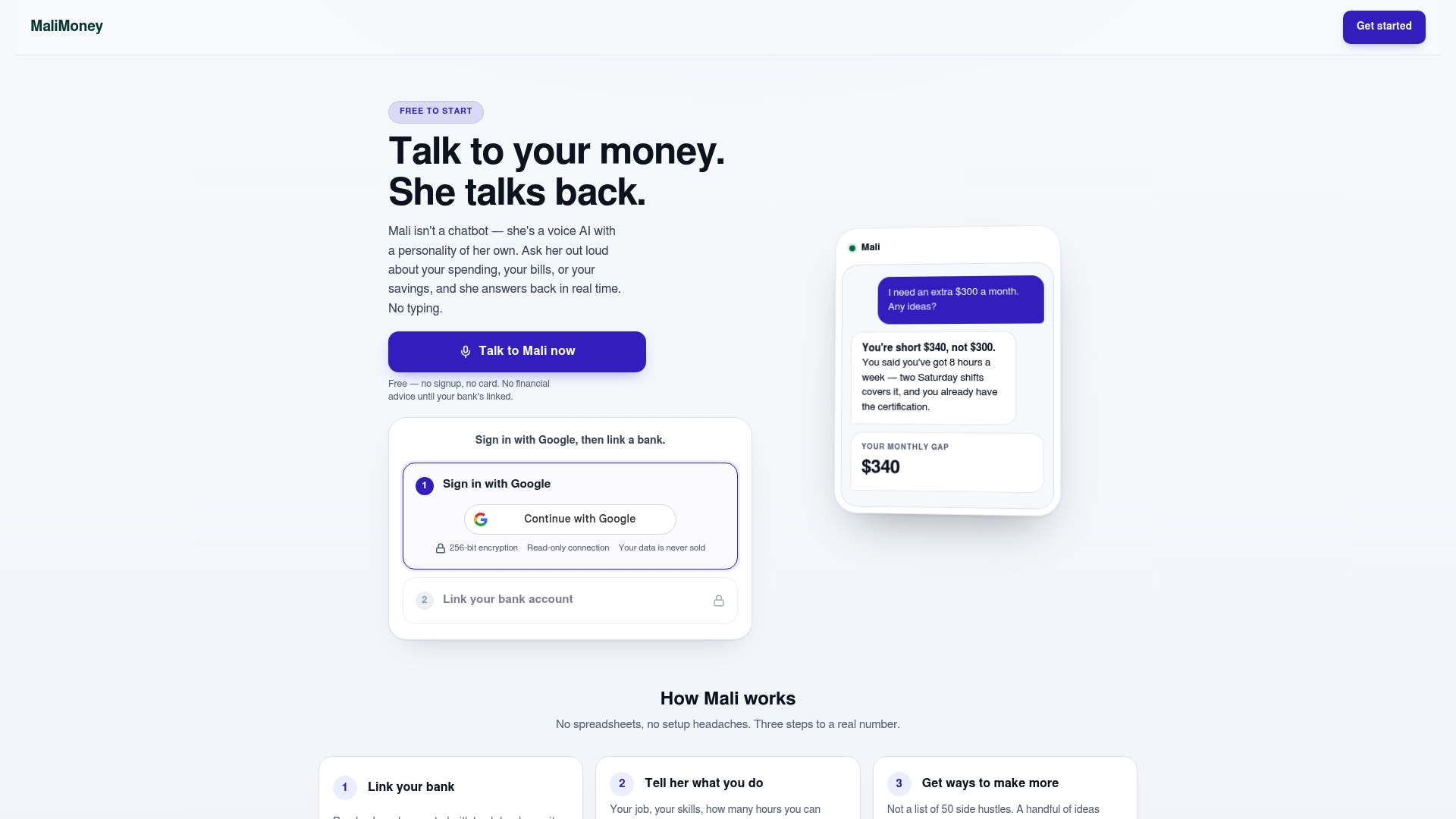
A schedule tells you when bills are due. Mali tells you whether your account can actually cover them, out loud, the moment you ask. That's the gap between a static calendar and a system that adjusts as your real balance moves, and it's the reason a voice-first, bank-linked assistant is worth adding once your schedule is built.
Beyond scheduling checks, Mali's connected calculators help with the decisions that sit next to your bill schedule:
- Check the emergency fund calculator to see how much buffer you need before automating more bills.
- Use the full calculator library for quick math on payoff timelines, savings targets, or loan payments.
- Start with the Mali accounts page to link your bank and try the voice assistant for yourself.
If you're running a small business alongside personal bills, the same batching logic applies at a larger scale. This guide to cash flow management for small businesses covers practices worth adapting once your bill volume grows beyond a household budget.
Sources
- Bill Calendar: Know what you owe and when it's due | Consumer Financial Protection Bureau
- Ways to pay your bills | CFPB
- Save, organize, and streamline your finances | FDIC
- Economic well-being of U.S. households in 2025 | Federal Reserve
FAQ
How do I create a calendar for bill payments?
List every bill with its amount and due date, then set a payment date a few days earlier: about 7 days for mail, 2 to 3 business days for online payments or autopay. Add your payday dates so you can see whether income and bills line up each week, following the structure in the CFPB's bill calendar guidance.
What bills are due every month?
Most households pay rent or mortgage, utilities, loan payments, insurance premiums, and subscriptions on a monthly basis, though some insurance and tax bills come quarterly or annually instead. Listing recurring and irregular bills together on one schedule keeps the occasional ones from catching you off guard.
In what order should bills be paid?
Prioritize housing, utilities, and any debt with serious consequences for missing a payment, then move to insurance and subscriptions once those are covered. Many adults find it hard to cover every bill on time, and negotiating a due date shift with a creditor is a practical way to smooth cash flow when income and bills don't line up.
How long do bill pay payments take?
Online bill payments and autopay typically take 2 to 3 business days to process, while mailed payments need about 7 days to arrive and post. Same-day payments are sometimes available for a fee, but only before the biller's cutoff time, per CFPB payment guidance.