

Find every recurring charge on your bank and card statements, then cancel each one directly with the merchant, not just your bank, and save the confirmation. Only contact your card issuer if the merchant won't stop billing. The Consumer Financial Protection Bureau backs this merchant-first order, and Mali's free calculators can help you plan where the freed-up cash goes. Watch your accounts for one to two billing cycles to confirm the charge actually stopped.
TL;DR:
- Reviewing three months of bank and credit card statements is essential to identify recurring charges with cryptic or unfamiliar merchant descriptions.
- Using open-banking tools that connect to accounts provides broader detection of charges but does not facilitate cancellation, requiring direct merchant contact.
- Cancel subscriptions directly through the service’s website or app, obtaining written confirmation and only involving the bank if charges continue after cancellation.
- Disputing unwanted charges with your card issuer is necessary if merchants refuse to stop billing, but stopping payments without canceling may lead to collections or legal issues.
- Regular quarterly audits and setting up virtual card numbers help prevent new subscriptions from accumulating without your knowledge.
Table of Contents
- How to find every subscription you're paying for
- Which tools actually help you track subscriptions?
- How do you cancel a subscription the right way?
- What to do when a company won't stop charging you
- How do you stop new subscriptions from piling back up?
- Why the order of operations matters more than people admit
- The part of this process nobody talks about enough
- Find your subscriptions faster with Mali
- Sources
How to find every subscription you're paying for
You can't cancel what you can't see, and most people underestimate their subscription count by a lot. The fix is a structured sweep, not a memory exercise.
- Pull three months of bank and credit card statements. Scan for small, repeating amounts, especially ones with cryptic merchant descriptors like "SVC*" or a company name you don't recognize. Those abbreviated labels are often the tell.
- Check your phone's subscription manager. On iPhone, go to Settings, tap your name, then Subscriptions. On Android, open the Google Play Store, tap your profile icon, then Payments & Subscriptions. Both show every app-based recurring charge in one screen.
- Search your email inbox for "receipt," "trial," "renewal," and "confirmation." Free trials that convert to paid plans almost always send a welcome email you've since forgotten.
- Log into PayPal, Venmo, or any digital wallet you use and review connected merchants and preapproved payments. Wallets often keep authorizing charges long after you've forgotten why.
- Check your app stores for family-shared subscriptions billed to your account but used by someone else in the household.
Consumer Reports recommends doing this sweep quarterly, not once. New trials sneak in faster than old ones get cut, so a recurring 15-minute audit every three months keeps the list honest.
Which tools actually help you track subscriptions?
Subscription trackers fall into two broad categories, and they work differently. Open-banking tools connect directly to your bank or card accounts through a read-only link and flag recurring transactions automatically. Email-scanning tools instead search your inbox for receipts and renewal notices, which works well for digital subscriptions but misses anything billed without an email trail, like a gym charge that hits your card silently every month.
Which? notes that open-banking connections tend to catch more recurring charges across accounts than a manual scroll through statements, mainly because they don't get bored on page four. Before connecting any tool to your accounts, check for a few signals:
- Read-only access only. It should never have the ability to move money or initiate payments.
- A named, recognizable authorization layer (Plaid is the most common one in the U.S.) rather than a tool asking for your raw bank login.
- A privacy policy that states plainly whether your transaction data gets sold or shared with advertisers.
- Bank-level encryption mentioned specifically, not just a vague "secure connection" claim.
Here's the part people miss: a tracker finds the charge, but it doesn't cancel it. Deleting the app from your phone does nothing either. Subscriptions live on the merchant's server, not your device, so uninstalling an app never stops the billing.
Pro Tip: If a tool flags a charge you don't recognize at all, search the exact dollar amount alongside your bank's name before assuming fraud. Half the time it's a rebranded merchant or a subscription that changed its billing name.
How do you cancel a subscription the right way?
The order matters more than most people realize, and getting it backward is exactly how canceled accounts end up in collections.
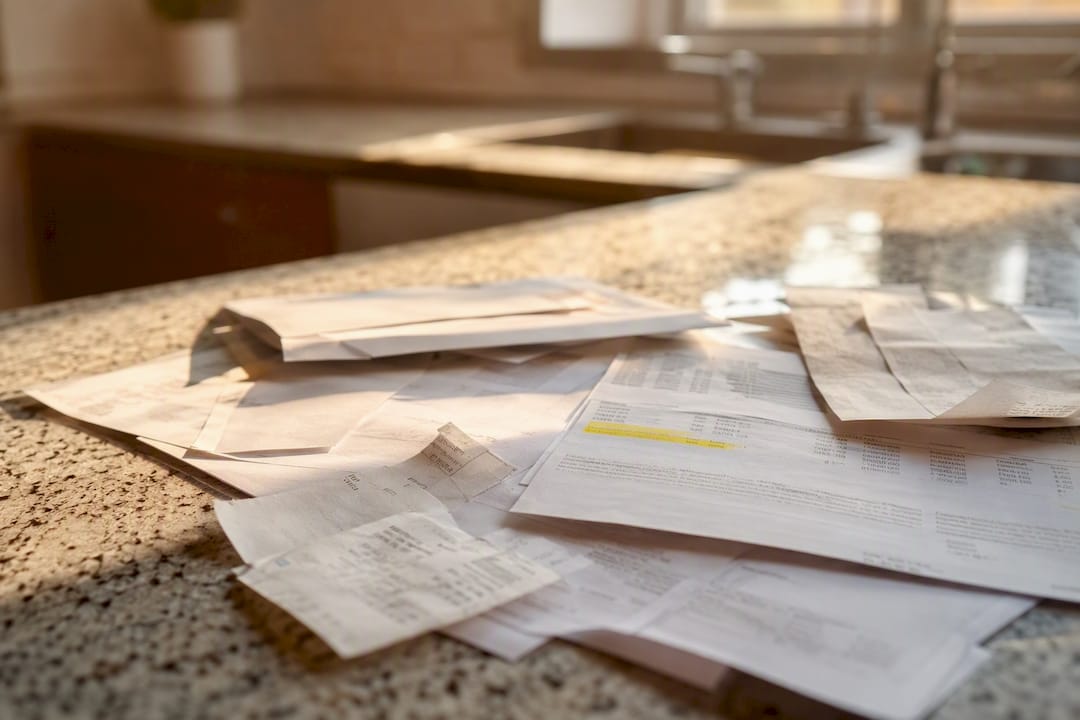
- Gather your account details first. Have your login, the last four digits of the card on file, and your billing email ready before you contact anyone.
- Cancel inside the service itself. Go to Account, then Billing or Subscription, then look for a cancel link. Screenshot the cancellation confirmation screen immediately, and forward yourself the confirmation email.
- If there's no online cancel button, call. Ask for a cancellation reference number, write down the representative's name, and note the date and time of the call. If the company is especially stubborn, certified mail with a return receipt creates an unambiguous paper trail.
- Only contact your bank or card issuer if the merchant keeps billing you after cancellation. This is where a lot of people jump the gun. Stopping payment at the bank without canceling at the source can leave the underlying contract active, and PayPal warns that revoking a payment method doesn't end the service agreement. You could still owe the balance, or get sent to collections, even though the money stopped moving.
- Watch your statements for one to two full billing cycles. If the charge reappears, you now have dated proof of cancellation to dispute it.
LegalClarity frames it simply: revoke the merchant's permission to charge you first, and only ask the bank to block withdrawals if that fails. Most people find between $20 and $60 a month in charges they no longer need, which works out to $240 to $720 a year reclaimed just from canceling things you forgot you had.
What to do when a company won't stop charging you
Some merchants make cancellation deliberately hard, especially gyms, cable providers, newspapers, and anything that started as a "free trial." When politely canceling doesn't work, escalate in this order.
- Dispute the charge with your card issuer. Bring your cancellation confirmation, the rep's name if you called, and dates. The CFPB confirms you have a legal right to stop automatic payments from your account, and issuers generally require written notice at least three business days before the next scheduled charge.
- Get a new card number for stubborn subscriptions instead of canceling your whole card. A full card replacement disrupts every legitimate subscription, while a targeted move, like a virtual card number tied to just that one merchant, kills a single charge without collateral damage.
- File a complaint with the FTC or your state consumer protection office if the merchant ignores repeated cancellation requests. These complaints build the paper trail regulators use for enforcement.
- If you genuinely still owe a final month, pay it and document the payment. Fighting a legitimate remaining balance can do more damage to your credit than the subscription itself ever did.
Pro Tip: Keep every screenshot, confirmation number, and call log in one folder, even after the charge stops. Companies sometimes resume billing months later, and a six-month-old paper trail is worth more than your memory.
How do you stop new subscriptions from piling back up?
Prevention is less about willpower and more about friction. Build a system that makes new subscriptions temporary by default.
- Run a subscription audit every 90 days, tied to a recurring calendar reminder, not a New Year's resolution.
- Set a phone reminder two days before any free trial ends, since that's the window when cancellation still counts.
- Use a virtual card number for every new trial or subscription sign-up. If the merchant turns out to be a hassle, you kill that one card number instantly without touching your main account.
- Treat every new signup as temporary until you've actively decided to keep it. Require yourself to reconfirm before the first renewal instead of letting it auto-continue.
- Move whatever you save each month into a dedicated goal. A savings goal calculator can show you what $40 a month actually turns into over a few years, which is usually more motivating than the cancellation itself.
Why the order of operations matters more than people admit
Most advice on canceling subscriptions treats the bank as the fast lane: stop the card, problem solved. It isn't. The merchant contract survives a blocked card, and that gap is where collections calls and credit dings come from. Handling recurring-charge disputes teaches you fast that the paperwork trail matters more than the phone call itself, because a rep's verbal promise means nothing without a reference number attached to it.
Here's what's underrated: the tool that finds your subscriptions is doing maybe a third of the job. Detection is easy once you know where to look. Execution, actually getting a company to stop billing you and proving it in writing, is where most people give up halfway.
- Mali links to your bank accounts on a read-only basis and helps surface recurring charges you've stopped noticing, alongside personalized suggestions for closing any income gap those charges reveal.
- Mali's financial tools include a credit card payoff calculator and other free calculators, no signup required, so you can see the real math before you decide what to cancel and what to keep.
A bank-linked view speeds up step one. It still doesn't replace step two: calling the merchant and getting it in writing.
The part of this process nobody talks about enough
Everyone focuses on finding the subscriptions. That's the easy half. The advice that actually saves people money is the boring part: cancel with the merchant, get the confirmation number, and don't touch your bank account until you've given the merchant a real chance to comply.

I'd push back on one piece of common wisdom here: canceling your card entirely to "kill" a subscription. It feels decisive, but it usually just creates a new headache, since every legitimate recurring payment you actually want, insurance, utilities, a mortgage autopay, breaks at the same time. A virtual card number aimed at one merchant does the same job with none of the collateral damage.
What the research on this consistently shows is that the failure point isn't willpower or awareness. It's process. People find the subscription, cancel it in the wrong order, and then get surprised three months later when a "final adjustment" charge shows up. Fix the sequence, and the rest takes care of itself.
— Todd
Find your subscriptions faster with Mali
Mali gives you a read-only, bank-linked view of your spending, so recurring charges that hide in your statements surface automatically instead of requiring a manual scroll through three months of transactions. That's the detection half solved. The other half, deciding what to do with the money you free up, is where Mali's financial tools come in, including calculators built to show you exactly what canceled subscriptions turn into over time.
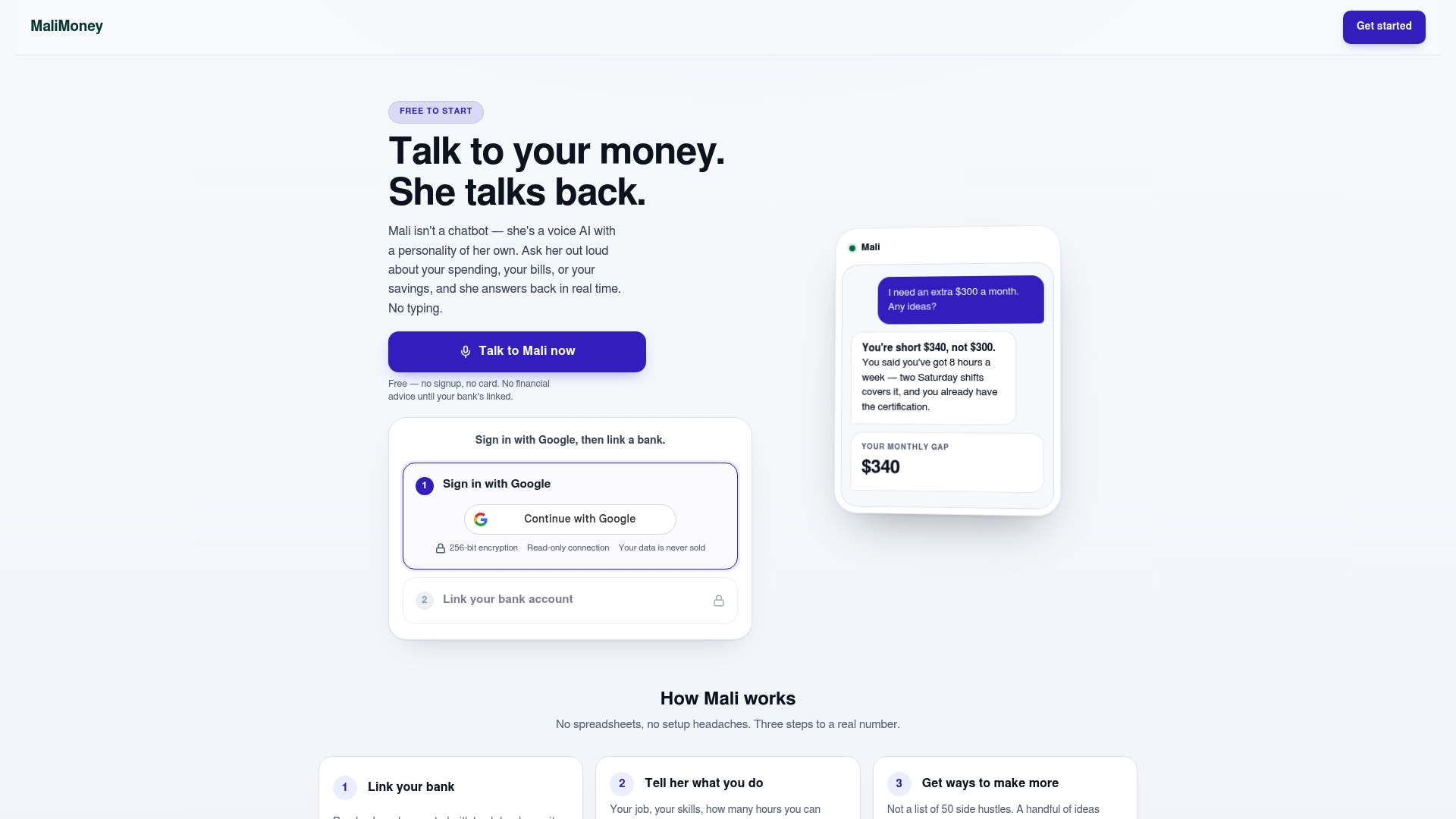
Every connection Mali makes to your bank is read-only, meaning it can view transactions but never move money or authorize a payment on your behalf, and you can review exactly what that permission covers on Mali's security page. Start with the free calculators, no signup required, to see what your subscription savings could grow into, then try Mali's full trial to get personalized suggestions tied to your actual accounts.
Sources
- How to cancel autopay from your bank or credit card — LegalClarity
- How to find and cancel unwanted online subscriptions — Consumer Reports
- How do I stop automatic payments from my bank account? — CFPB
- How to cancel recurring subscriptions — PayPal